
There are plenty of VPN services competing for attention today, and many of them advertise an enormous list of features.
But for everyday users, I think a VPN doesn’t need to be complicated.
Sometimes you simply want to open the app, press Connect, and forget about it.
That’s where ExpressVPN stands out. Instead of making the VPN experience feel technical, it focuses heavily on ease of use, connection performance, and privacy. It supports major desktop, mobile, smart TV, and other platforms, while its proprietary Lightway protocol is designed for fast and stable connections.
ExpressVPN
🔒 Privacy-Focused VPN
⚡ Lightway Protocol
🛡️ TrustedServer Technology
🌍 Servers in 113 Countries
💻 Up to 14 Simultaneous Connections
30-Day Money-Back Guarantee
The Biggest Advantage: It’s Easy to Use
The first thing I appreciate about ExpressVPN is how little effort it asks from the user.
You don’t need to understand VPN protocols or network settings before getting started. Install the app, choose a location, and connect.
ExpressVPN currently offers native apps for Windows, macOS, Linux, iOS, Android, major smart TVs, and more. It supports up to 14 simultaneous connections, while router setup can extend VPN protection to devices that don’t have a native app.
For someone who uses a VPN on a laptop, phone, and TV, this straightforward approach is very appealing.
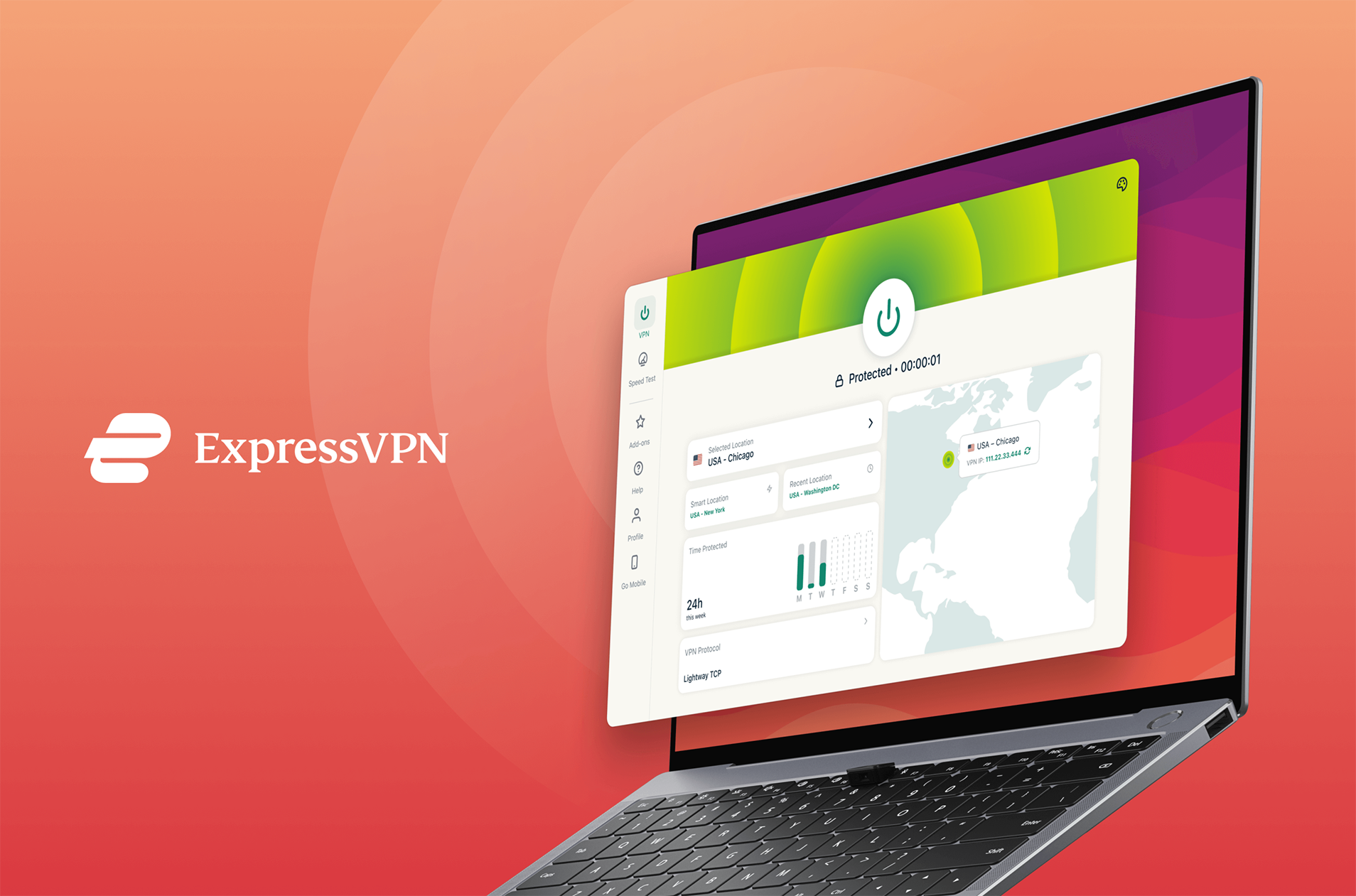
Lightway: Built Around Speed and Stability
One reason ExpressVPN feels different from some older VPN services is its Lightway protocol.
ExpressVPN developed Lightway as its own VPN protocol, with a focus on faster connections, lower overhead, and reliable reconnection when switching between networks. It is available across ExpressVPN’s major platforms and routers.
The practical benefit is more important than the technical details.
A VPN should not feel like your internet connection suddenly became slower or unreliable.
Of course, actual performance still depends on your network, location, server distance, and local congestion. No VPN can guarantee the same speed everywhere.
TrustedServer Takes Privacy Seriously
ExpressVPN also takes a different approach to its VPN server infrastructure.
Its TrustedServer technology uses RAM-only servers, meaning the operating system and applications do not write user session data to traditional hard drives. ExpressVPN says the information on the server is wiped whenever the machine is restarted.
For me, this is more interesting than simply seeing “No Logs” in a marketing headline.
The company’s privacy and security practices have also been subject to recurring third-party audits. ExpressVPN says it has commissioned independent audits since 2018, with firms such as PwC, Cure53, and KPMG reviewing different aspects of its systems and policies.
That kind of independent verification is useful when deciding how much to trust a VPN provider.
Advanced Protection: More Than Just a VPN

ExpressVPN has also expanded beyond basic VPN encryption.
Its current Advanced Protection features include tools for blocking malicious websites, trackers, and ads, depending on your subscription tier. The malicious-site blocker is included with every subscription, while tracker blocking is available on higher tiers.
I like this approach because it keeps the protection inside the same application instead of requiring several separate tools.
A VPN can’t stop every online threat by itself, but combining VPN protection with tracker and malicious-site blocking can make the overall experience more convenient.
ExpressVPN for Phones and Travel
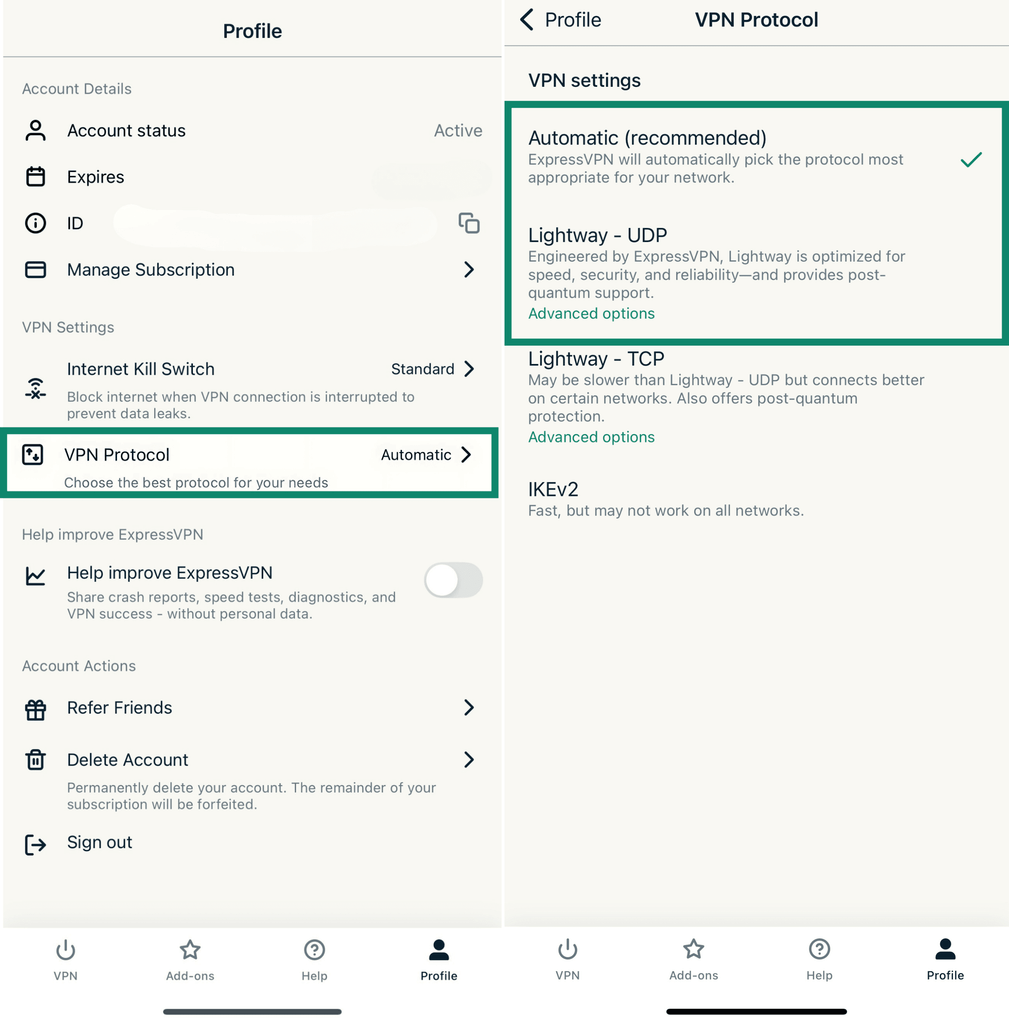
VPNs are particularly useful on mobile devices because phones are constantly moving between home networks, mobile data, hotel Wi-Fi, coffee shops, airports, and other unfamiliar connections.
ExpressVPN provides native mobile apps for both iOS and Android and is designed to protect traffic on Wi-Fi and cellular connections.
This makes it a practical travel companion.
Personally, this is where a simple interface matters the most. When you’re sitting in an airport or hotel and just want to secure your connection, the last thing you want is to spend ten minutes adjusting settings.
How Many Devices Can You Use?
ExpressVPN currently allows up to 14 simultaneous connections, which is more generous than its older device limit.
For an individual user with a laptop, phone, tablet, and TV, that’s more than enough.
For larger households with many devices, however, Surfshark’s unlimited simultaneous connections still gives it an advantage in this particular area.
That’s a good example of why there isn’t one perfect VPN for everyone.
ExpressVPN Pricing
ExpressVPN currently offers several subscription tiers.
At the time of writing, its website lists a two-year promotional plan for Basic at $2.99/month and Advanced at $4.49/month, with introductory billing covering the initial 28 months. The Advanced plan increases the simultaneous device limit to 12 and adds more Advanced Protection features. ExpressVPN also offers a 30-day money-back guarantee for new users.
Because VPN pricing and promotions change frequently, I recommend checking the current renewal price before subscribing rather than looking only at the introductory monthly figure.
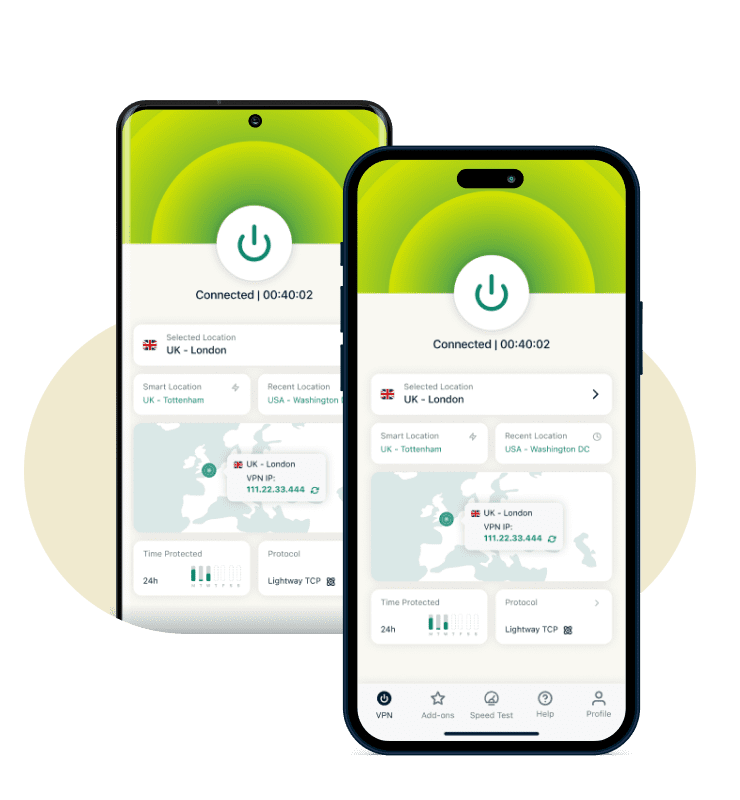
Who Should Choose ExpressVPN?
I think ExpressVPN makes the most sense for people who value simplicity.
It’s a good fit for:
Beginners who don’t want to learn complicated VPN settings.
Travelers who want an easy way to protect connections on unfamiliar networks.
Multi-device users who want a VPN across laptops, phones, TVs, and other supported devices.
Privacy-conscious users who want a provider with published audits and privacy-focused infrastructure.
Final Thoughts
ExpressVPN doesn’t necessarily win by having the longest list of features.
Its biggest strength is that the important parts of the service feel well integrated.
Lightway focuses on fast, stable connections.
TrustedServer provides a privacy-focused server architecture.
Advanced Protection adds extra security tools.
And the apps are designed to make connecting to a VPN as simple as possible.
Compared with NordVPN, which puts more emphasis on its large feature ecosystem, and Surfshark, which is especially attractive for unlimited device connections, ExpressVPN feels like the option for people who simply want a polished and easy-to-use VPN.
It isn’t the cheapest option for everyone, but for users who value convenience and don’t want to spend time configuring their VPN, ExpressVPN is still a strong choice in 2026.
More VPN Reviews
Not sure which VPN is right for you?
Check out my NordVPN Review, where I look at NordVPN’s privacy features, NordLynx protocol, and everyday usability.
You can also read my Surfshark VPN Review, especially if you have multiple devices and want unlimited simultaneous connections.
For a privacy-focused alternative, my Proton VPN Review covers its free plan, Secure Core technology, and privacy approach.
《ExpressVPN Review: A Simple VPN That Gets the Important Things Right》有1条评论